Course category: Video
Course type: Education
Course intensity: Beginner
Language: English

0.0
Overall ratingou will learn how to see your images in a more sophisticated way, like a professional photographer.
You will add exposure to your photographer's tool belt and learn how it impacts many visual elements of your images.
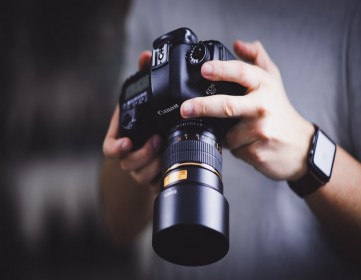
You will learn how to adjust your aperture and why you would choose one aperture over another.
You will learn how to adjust your shutter speed and why you would choose one shutter speed over another.
You will learn how all of the modes (Auto, P, S, A and M) work and when you should be using each mode.
You will learn to recognize the difference between depth-of-field blur and motion blur.
You'll start spending more time observing and capturing beautiful moments around you, rather than staring down at your camer
Understand the fundamentals of weight loss (calories, protein, carbs, fat & more)
Create a diet plan that is perfect for your needs and lifestyle
Learn when, what and how much you should eat for optimal fat loss
Develop healthy eating habits
Avoid weight loss scams and useless supplements
Stay motivated for long term results
his online photography course will teach you everything you need to know to become a professional digital photographer with nothing more than an iPhone or similar smartphone. It is designed to keep you engaged and hone your skills for taking your pictures to the next level.
My #1 rule in photography is 10% gear / 90% knowledge. So if you know HOW to be a great photographer and know what to look for, you will be able to take amazing pictures with almost anything.
This course is designed for:
-Beginners that have little to no experience and want to become a skilled photographer without spending thousands of dollars on expensive camera equipment.
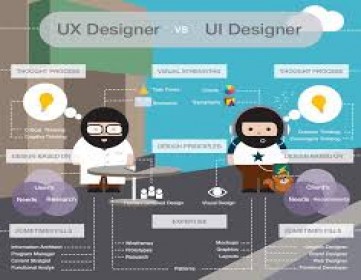
Know moreBecome a UI/UX designer.
Master the number one platform in UI/UX design, Sketch.
You will be able to start earning money from your Sketch App skills.
Choose the best exposure mode for the shot
Build a lens collection
Compose a balanced photo
Freeze action and control depth of field
Shoot personal portraits
Understand photography lingo
Create mobile app designs from scratch
Understand the differences between designing for iOS and Android
Create wireframe designs for any digital project
Create mockups using Sketch and other tools
Create animated prototypes
Start a new career as a UI/UX designer
You will create a real world projects to give you a general understanding of Adobe XD and the different functions that you can do with the application.
You will have expert level knowledge of Adobe XD in this course, whether you are a beginner, intermediate or have no previous knowledge of Adobe XD.
You will learn how all of the modes (Auto, P, S, A and M) work and when you should be using each mode.
You will learn to recognize the difference between depth-of-field blur and motion blur.
You'll start spending more time observing and capturing beautiful moments around you, rather than staring down at your camera feeling confused.
1st Jan Video Vimeo Course1st Jan Video Vimeo Course1st Jan Video Vimeo Course1st Jan Video Vimeo Course1st Jan Video Vimeo Course1st Jan Video Vimeo Course1st Jan Video Vimeo Course
Know moreVimeo course testing purpose onlyVimeo course testing purpose onlyVimeo course testing purpose onlyVimeo course testing purpose onlyVimeo course testing purpose onlyVimeo course testing purpose onlyVimeo course testing purpose onlyVimeo course tes... Know more
In these video s you will learn how you can start as an trainer on livesessions.online
- How to create a trainer account
- Which are the different type of classes you can do ?
- How to create your first Vi... Know more